From age 7 · early primary school · anyone just starting
20 minutes a day · 4 weeks · 10 lessons
A 4-week, 10-lesson AI adventure for children from age 7, from keyboard practice to vibe coding. Start with lesson 1 and spend 20 minutes a day with an adult.
Choose a number to open a lesson. Start with week 1 and follow the numbers.
You do not need a new lesson every day. Weeks 1 to 4 have 2, 4, 2 and 2 lessons. On the other days, repeat an activity, do a challenge away from the screen, or review a lesson you liked.
Get ready for a lesson
How to spend your 20 minutes
3773
Remember · 3 min
Say one thing you learned last lesson.
Learn · 7 min
Read the explanation and follow the picture's arrows.
Try it · 7 min
Tap the activity link and do it yourself.
Check · 3 min
Answer the check question first, then open the answer.
Each bar's length shows the time. Go in order from the start.
How to read a flowchart
A is a map of steps in order. Just follow the arrows one box at a time.
Round box — start and end
Square box — something to do
Diamond — a question; the path splits into yes and no
When an answer appears on the screen, is that input or output?
Show the answer
Output. The computer is showing us the result of its calculation.
2
Lesson 2Finger positions and slow typing
I can put my hands on the home keys and type slowly.
One thing for today! I can put my hands on the home keys and type slowly.
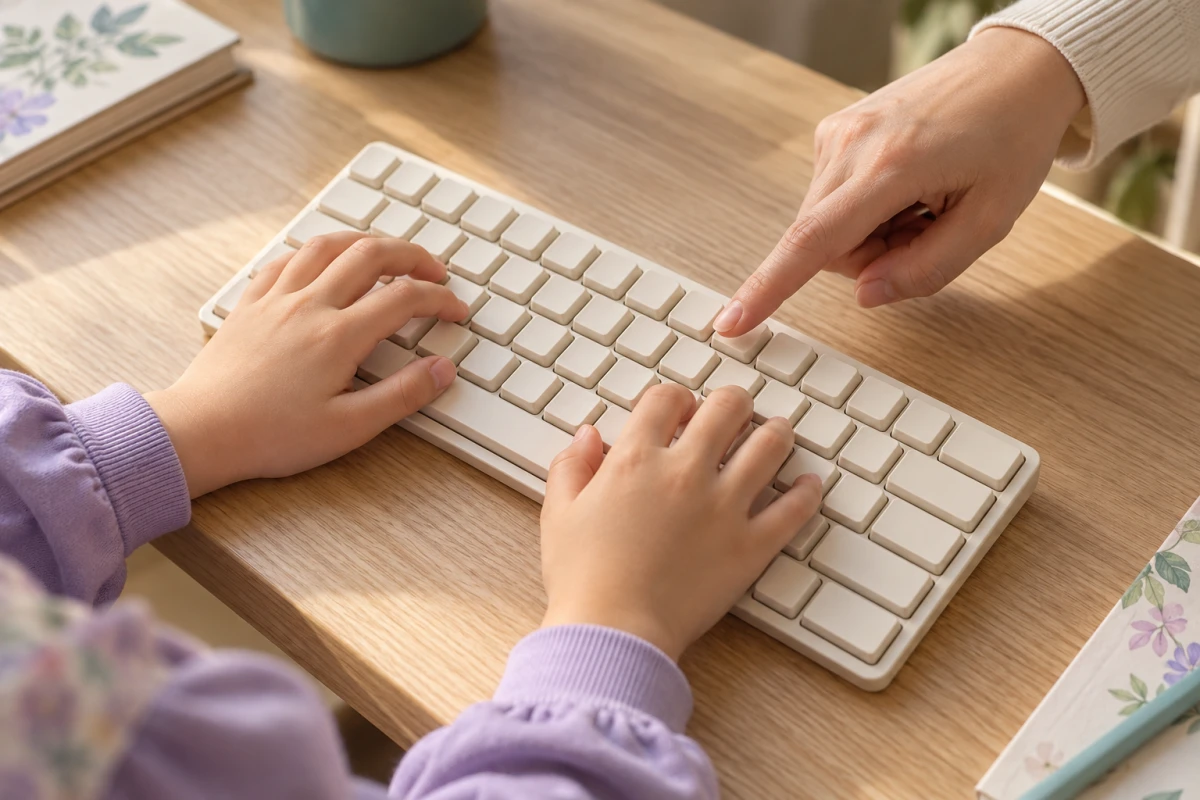
Find F and J on the keyboard. Feel the little bump on each key. Put your two pointing fingers there.
Press one letter at a time. You do not have to be fast. Try a wrong letter again slowly.
Flowchart: how practice repeats
Place your hands
Index fingers on the F and J bumps
Type slowly
Look at the letters on screen
Spot mistakes
Where did it go wrong?
Type it again
Slowly, at the tricky part
Repeat every day and your fingers remember
Picture: where your fingers go
ASDFGHJKL
FLeft index finger
JRight index finger
Little bump you can feel
This lesson needs a real keyboard. A phone or tablet screen has no bumps, so ask a grown-up to connect a keyboard, or find F and J on the screen and tap them with one finger.
Try it
Tap the button below and choose the first step. It uses only a few keys and has no timer. Go slowly and watch whether your mistakes go down.
An AI was shown only dog photos and not a single cat photo. Will it be good at recognizing cats?
Show the answer
Probably not. There were no cats in the examples it learned from. What an AI is good or bad at depends on the examples it learned from.
5
Lesson 5Guess the next word
I can tell that a chatbot builds sentences by scoring the next word.
One thing for today! I can tell that a builds sentences by scoring the next word.
What did you eat for breakfast? Rice, bread or an apple? AI also works out which word could come next.
A longer bar means a word is easier to pick. AI joins words to make a sentence. Sometimes a strange word slips in.
Bar chart: scores for the word in the blank (a simplified example)
Your sentenceI ate toastcerealan applea cloud for breakfast.
Tap a bar to choose the word for the blank.
That's the highest-scoring word. AI usually picks words like this.
Its score is a bit lower, but it still gets picked sometimes. That's why answers change a little each time.
That word's score is very low. Words that would make the sentence nonsense get very low scores.
A higher score does not mean an answer is true. It only means the word often comes next.
A real AI looks at far more words, and at the whole sentence so far, to calculate its scores. This chart is a simplified example to make it easy to understand.
For grown-ups: real AI adds small pieces of text, and a piece is not always a whole word.
Try it
Tap the button below and pick the next word several times. Count whether the same sentence comes out every time.
I can build a question that says what I want to know, who will read it, and what shape the answer should take.
One thing for today! I can build a question that says what I want to know, who will read it, and what shape the answer should take.
“What did dinosaurs eat?” is clearer than “Tell me dinosaurs.” Ask one thing you want to know.
Add “Explain it briefly for a seven-year-old.” Then check the answer with a grown-up.
Picture: three pieces that build a good question
1
What do you want to know?
What T. rex ate
2
Who will read it?
A seven-year-old
3
In what shape?
In three sentences
Not-so-good questionTell me dinosaurs.
Good questionTell a seven-year-old what T. rex ate, in three short sentences.
Try it
With a grown-up beside you, tap the button below and send your Lyen learning buddy one question that has all three pieces. Ask about something like dinosaurs or space, not about real people.
I can read a flowchart and draw the steps of a simple game.
One thing for today! I can read a flowchart and draw the steps of a simple game.
To brush your teeth, take your brush, brush, then rinse. A picture of steps in order is a flowchart.
Try the number game below. If you miss, choose again. Doing something again is called a loop.
Flowchart: the number-guessing game
Start
The computer secretly picks a number from 1 to 10
You are hereYou pick a number
Pick again
Is it right?
No
You are hereSay whether it's higher or lower
Yes
You are hereCorrect! The end
Number-guessing game
Tap a number from 1 to 10.Higher than !Lower than !Correct! You found it. Tries: 0
Tries: 0
Try it
Draw a "brushing your teeth" flowchart on paper. Start at a round "Start" box, write each thing to do in a square box, and add a diamond that asks "All clean?"
Let us think!
In the number-guessing game, when you guess wrong, which box does the flowchart go back to?
Show the answer
It goes back to "You pick a number." You go around that path until you get it right. Going around like this is called a loop.
10
Lesson 10Make a game with words
I can describe the program I want, run it, and say what to fix.
One thing for today! I can describe the program I want, run it, and say what to fix.
Say “Make a number guessing game!” AI writes : words a computer can follow. This is called .
Try the game with a grown-up. If something fails, say “Fix this button.” You decide what to make.
Flowchart: how vibe coding goes around
Describe
Say what you want to make
Make the code
The AI writes the code
Run it
Try tapping it yourself
Say what to fix
One thing at a time
Repeat until you like it
Try saying thisMake a number-guessing game. The computer secretly picks a number from 1 to 10, and if I guess wrong, tell me whether it's higher or lower. When I get it right, show how many tries it took.
Test your game
Play a few times: the secret number is always from 1 to 10.
When you guess right, the game ends.
When you start again, there is a new number and the tries go back to 0.
Tell a grown-up one problem you found and one change you asked for.
Try it
With a parent, tap the button below to open vibe coding, and use the example above to make a number-guessing game.
In the game the AI made, nothing happens when you tap a button. What could you say?
Show the answer
Say clearly what doesn't work and how. For example: "When I tap the 5 button, nothing happens. Fix it so tapping tells me whether the number is higher or lower."
For parents and teachers
Sit with your child for the first few sessions. Please read Lesson 8 (safety rules) together in particular.
For activities that need an account (chatting with Lyen, vibe coding), please create and manage the account yourself.
Praise the moments when your child checks an AI answer instead of simply believing it. That habit is the most important skill.
20 minutes a day is enough. When a lesson ends, let your child look away from the screen and take a break.
Look what I can do!
When you finish this guide, you can…
type short sentences with the right fingers, without hunting for every key.
explain in your own words that AI is a machine people built, and why it sometimes gets things wrong.
describe a simple game in words and make it together with AI.